 JbPuzzle
3D Puzzle Generator
Turn any 3D model into an interlocking 3D puzzle right in your browser — no sign-up. Spin it, take it apart, then download the files for 3D printing.
Create a puzzle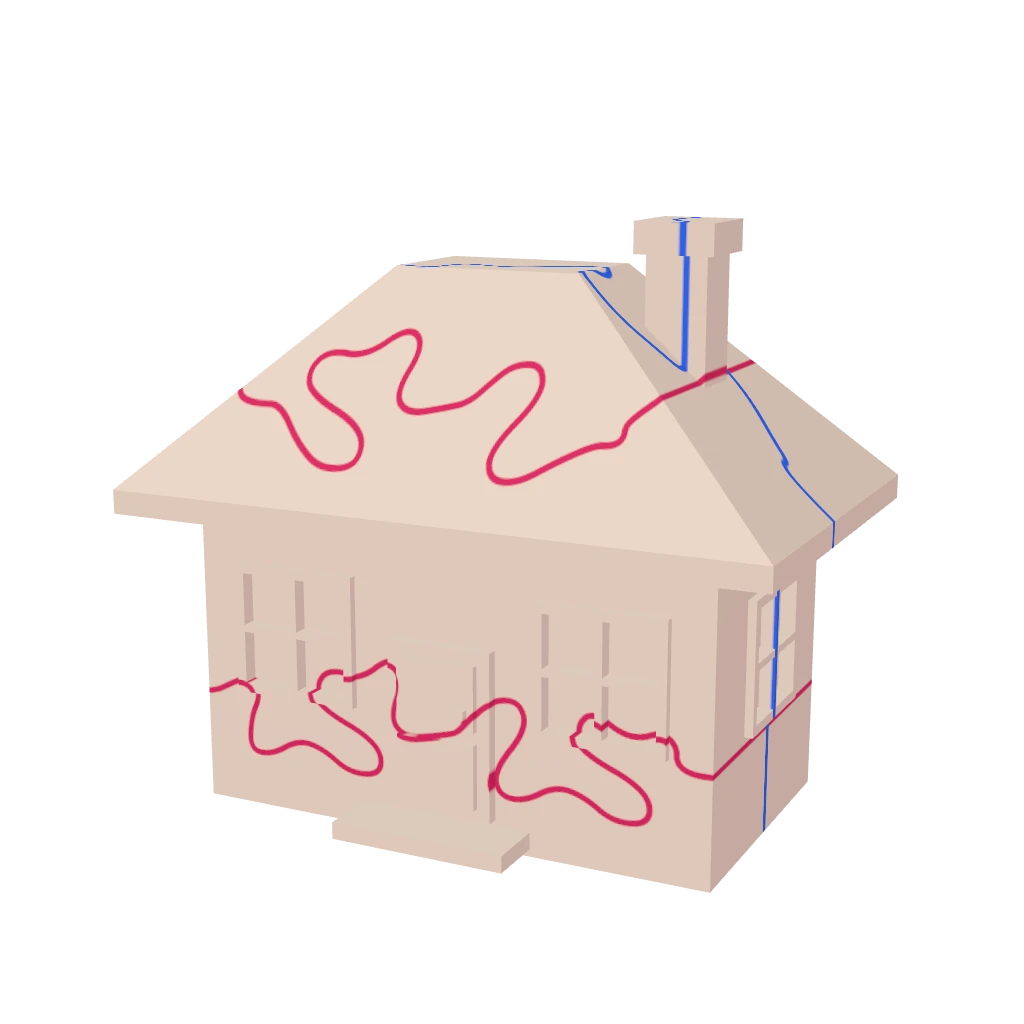
How it works
Choose a model
A house, heart, star, Christmas tree, sphere, cube and more from the library — or upload your own STL, OBJ, 3MF or GLB file.
Cut it into pieces
The generator draws Ω-shaped interlocking cuts so the pieces hold each other. Choose easy, medium or hard — and move or edit the cuts by hand.
Download and print
After payment you get an archive with every piece in STL, 3MF, OBJ and GLB, a PDF assembly guide and a gap tuned for your printer (FDM or SLA).
Features
- Runs in the browser on desktop and mobile — nothing to install
- Your own model: upload STL, OBJ, 3MF or GLB
- Automatic interlocking cuts with thin-wall and loose-piece checks
- Manual editing: cutters, segments, model size and rotation
- 3D preview: rotate, explode, hide and recolor pieces
- Clearance between pieces for FDM or resin (SLA) printers
- Print files: STL, colored 3MF, OBJ, GLB and a PDF guide
- No account needed: purchases are available from an email link
FAQ
How much does it cost?
Creating and previewing a puzzle is free. You only pay for the print files; the price depends on the puzzle complexity and is shown before payment.
Which model formats can I upload?
STL, OBJ, 3MF and GLB. The model should be watertight; the service checks it and scales it to size.
What is in the archive?
Every piece in STL and OBJ, the whole puzzle in 3MF (with colors) and GLB, a PDF assembly guide and a license.
Which printer do I need?
Any FDM or resin (SLA) printer. The clearance between pieces is set automatically for your printer type, or you can set it yourself.
Do I need an account?
No. The download link is sent by email, and all your purchases open from the “My purchases” link in that email.